
Zoho Analytics has a free Sample Data Generator that builds realistic datasets from a plain-language description, with no account, sign-up, or credit card. It helps anyone who needs believable data for dashboards, demos, or training without touching real customer records.
Why good sample data is hard to find
Real data brings privacy concerns. Ready-made datasets rarely match what you need. Building one by hand is slow. Free online generators usually cannot control how the data behaves, such as trends or seasonal patterns.
The Sample Data Generator from Zoho Analytics tackles this. You describe the dataset you need, and it generates a structured, realistic one in seconds. No account. No signup. No credit card.
How the generator works
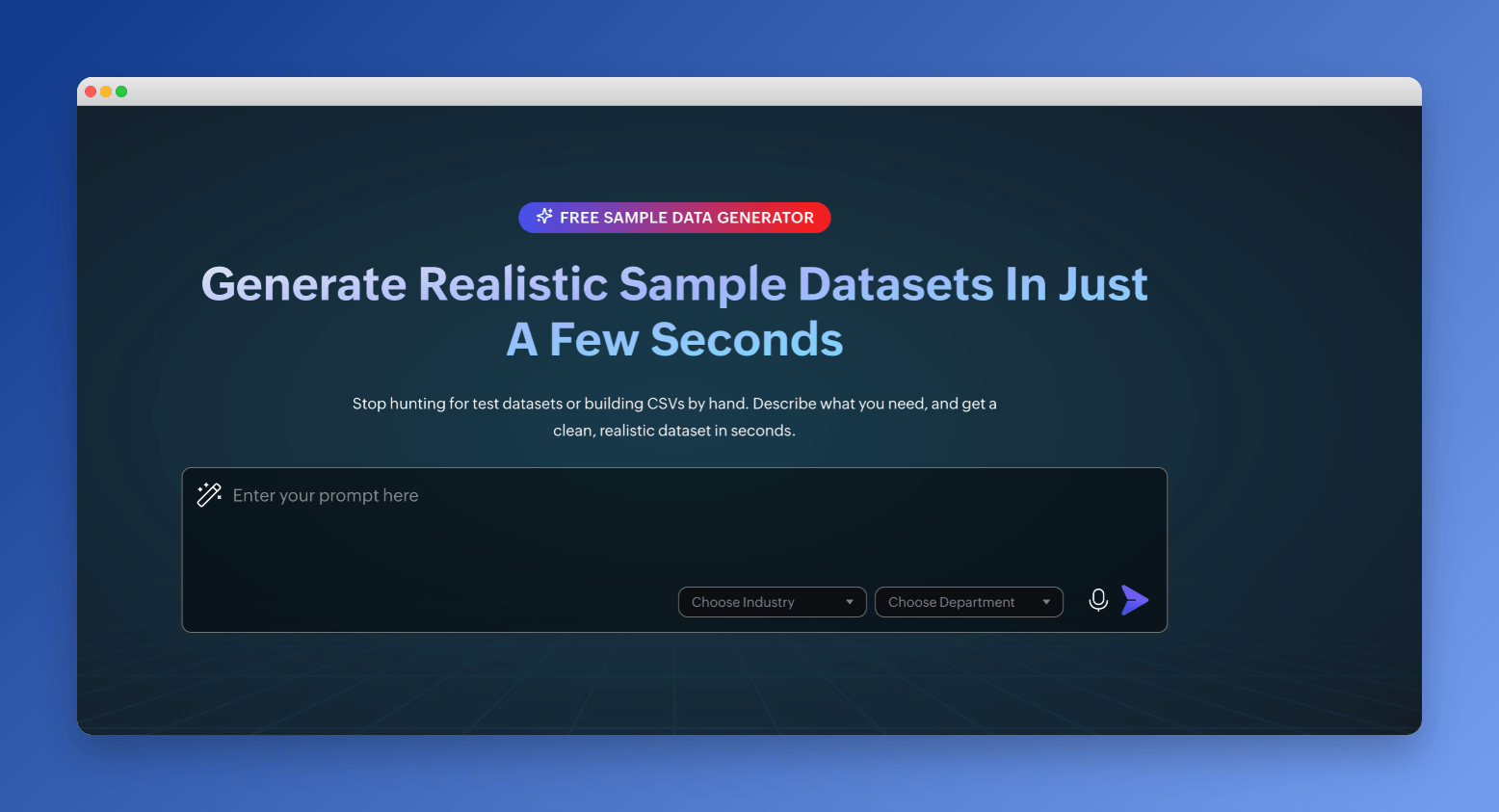
- Set the context. Choose an industry (such as Retail, Finance, Healthcare, Ecommerce or Manufacturing) and a department (such as sales, marketing or finance) to get more relevant columns and values.
- Describe your data. Skip the form and write a plain-language description. Zoho's example asks for monthly retail sales across four regions, with an upward revenue trend, dips in January and July and a spike in November and December.
- Preview and refine. You get a 20-row preview. Ask for changes in plain language, such as adding a column, changing distributions, adjusting formats or switching currency to USD, and regenerate as often as you like.
- Generate the full dataset. Click Generate Full Data to create 500 rows, then download them.
Generic datasets need rework, and form-based tools are slow. A prompt-based approach can capture edge cases and domain-specific details. Because no account is needed, you can also share a link with colleagues, clients or students.
Where sample data helps
- Testing dashboards
- Building product demos
- Training on an analytics tool
- Populating dev environments
- Creating example reports for documentation
- Prototyping a reporting layout before real data is available
Turn the data into a dashboard
After you generate the data, click Create Dashboard Now. The data uploads automatically to the online dashboard builder. Zia, the AI layer in Zoho Analytics, then builds a dashboard with charts, KPIs and layouts in under 60 seconds, again without a Zoho account.
Questions
Do I need a Zoho account to use the Sample Data Generator?
No. It requires no account, no signup and no credit card.
How many rows does it generate?
You get a 20-row preview first. Click Generate Full Data to create 500 rows, then download them.
Can I change the data after the preview?
Yes. Ask in plain language for changes such as a new column, different distributions, new formats or a switch to USD, and regenerate as often as needed.
What is the data useful for?
Testing dashboards, building product demos, training on an analytics tool, populating dev environments and creating example reports for documentation.
Can it build a dashboard for me?
Yes. Click Create Dashboard Now and Zia builds a dashboard with charts, KPIs and layouts in under 60 seconds.
Based on Generate Sample Data the Way You Want It Using AI, for Free on the Zoho Blog.